How to schedule the deployment
You can schedule the deployment through QGIS Deployment Toolbelt using a task scheduler.
On Windows
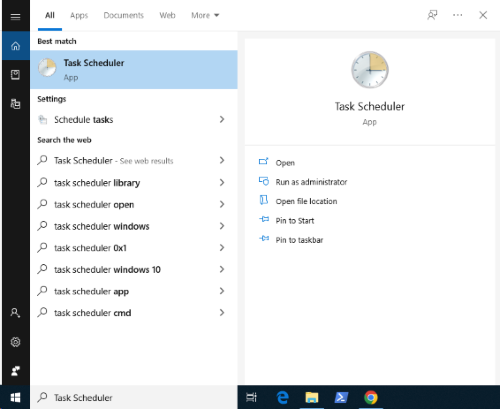
Open the Task Scheduler
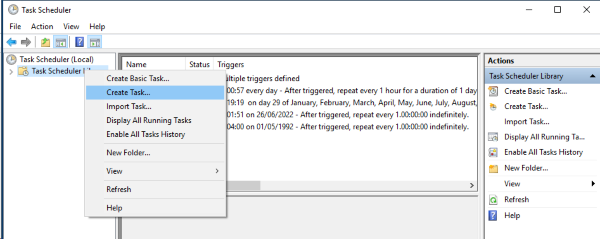
Click on Create Task
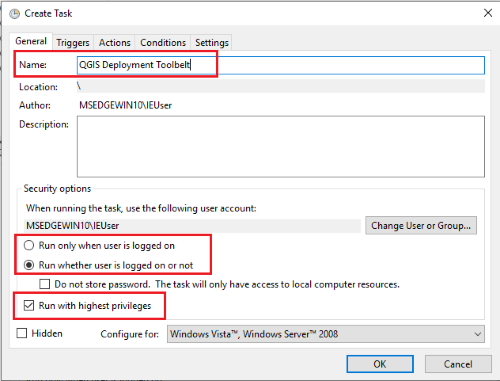
Fill in the general information
Assign a name and set security options.
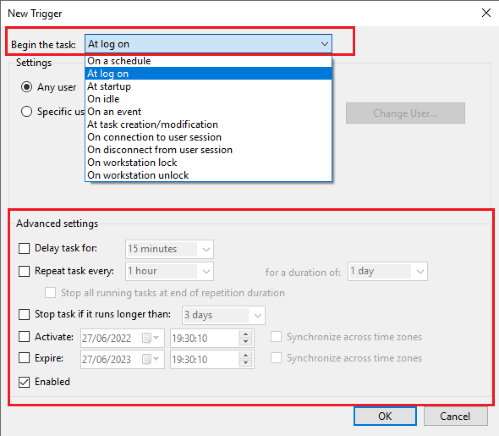
Launch condition
Define the conditions for launching the task: at login, once a day, once a week…
Action performed
Define the action performed by the task. The action performed will be the execution of a program. Choose the path of the executable and remember to specify the launch folder.
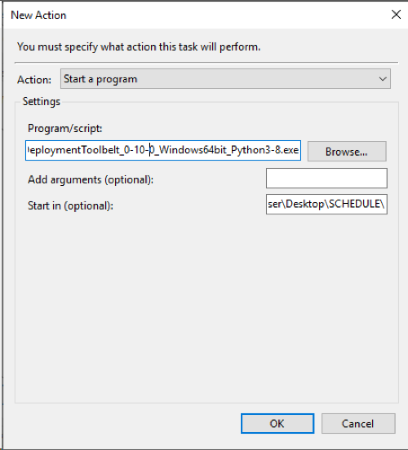
More parameters are available in the last tabs: Conditions and Settings
Monitoring
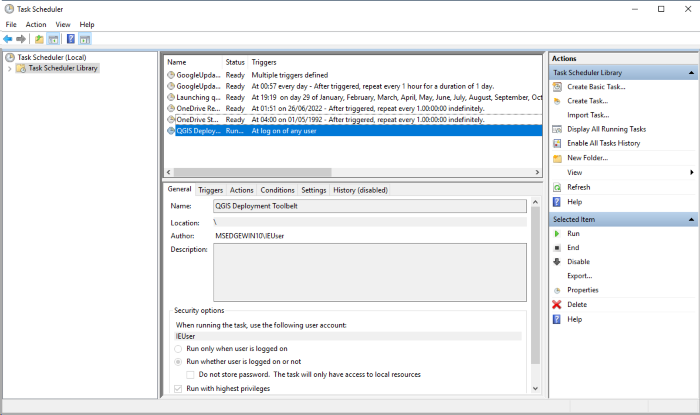
On the home screen, you can see the tasks, their status, you can edit/start/delete… them.