Transferring Configuration Between Profiles
Profile Manager allows partial configuration transfers without copying an entire profile. This is useful when updating an existing deployed profile with new components.
Import Workflow
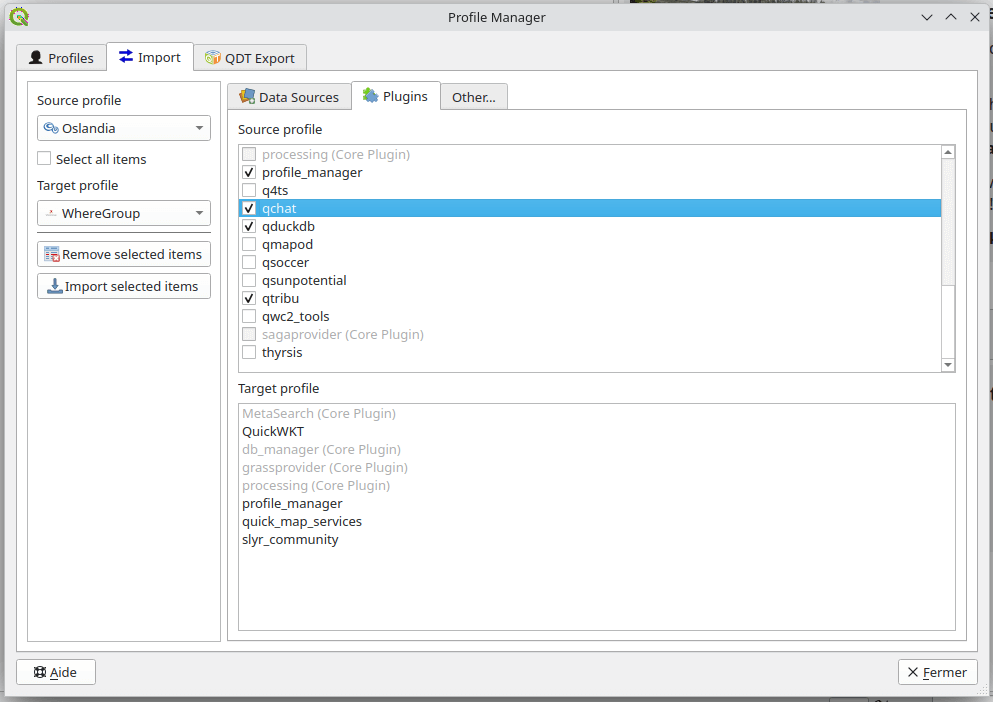
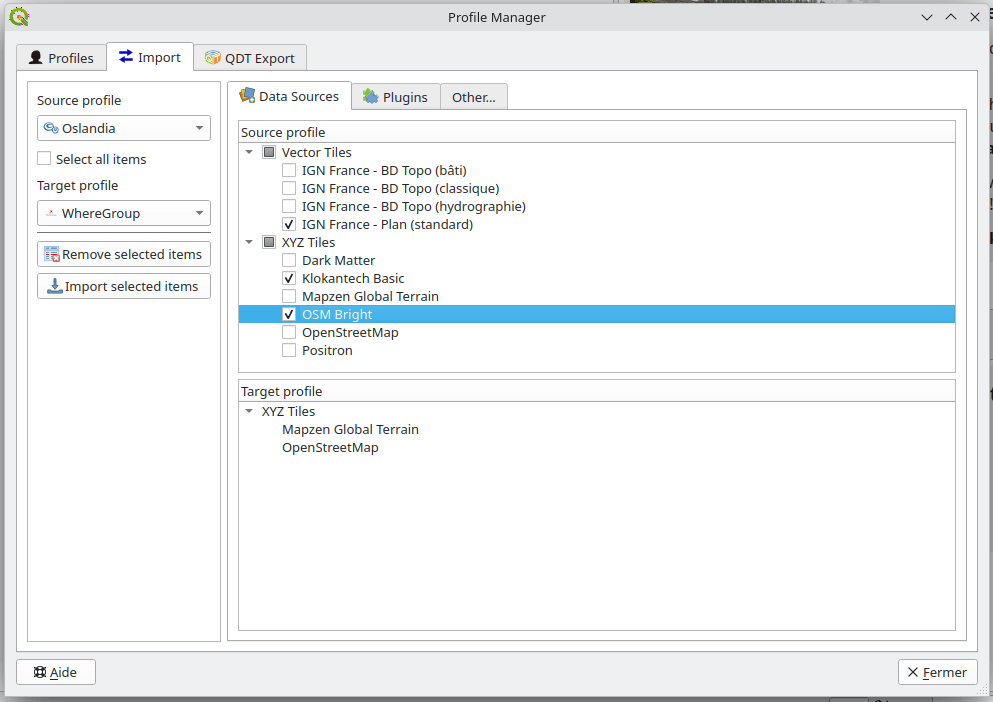
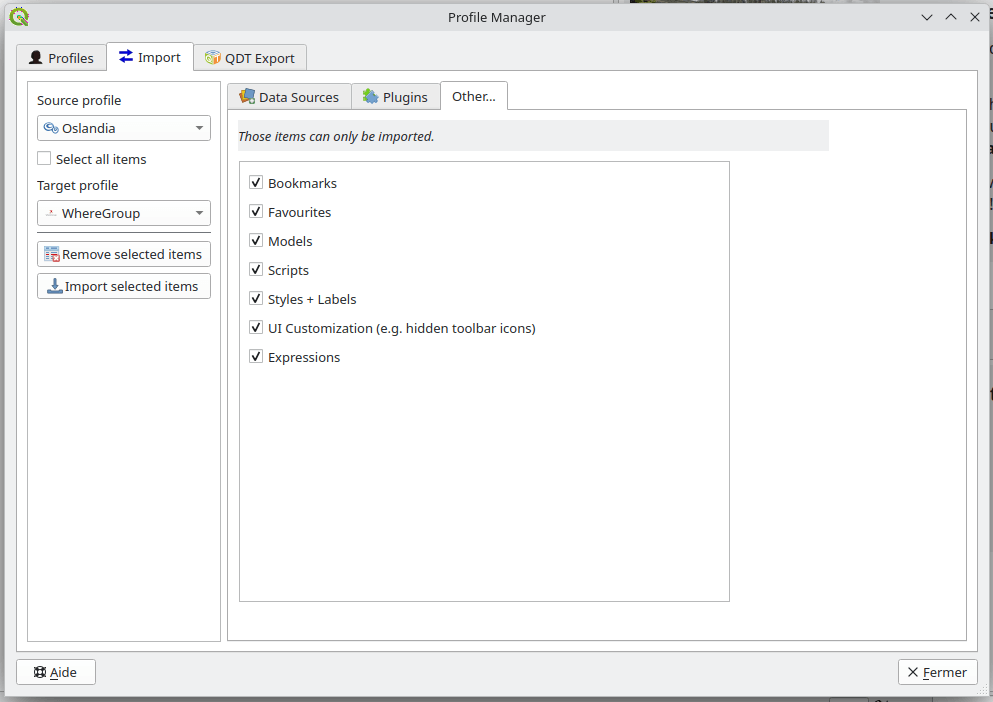
Open the Import section
Select:
Source profile
Target profile
Choose configuration elements to transfer
Start the import process
Transferable items
You can transfer:
Data source connections
Expressions
Favourites
Plugins
Processing models and scripts
Python expression functions
Spatial bookmarks
Style items (color ramps, label settings, legend patch shapes, material settings (QGIS 4.2+), 3D symbols, symbols, text formats)
UI customization settings